TestQC Usb
Toggle Dark/Light/Auto mode Toggle Dark/Light/Auto mode Toggle Dark/Light/Auto mode

Version 01-49

TestQC-R01 to TestQC-R49 Documentation Archives

This version of testqc uses a text mode interface aka cli or framebuffer. Developed using bash, python scripts and ncurses dialogs for menus and user interaction.

Testing Procedure

Testing Steps

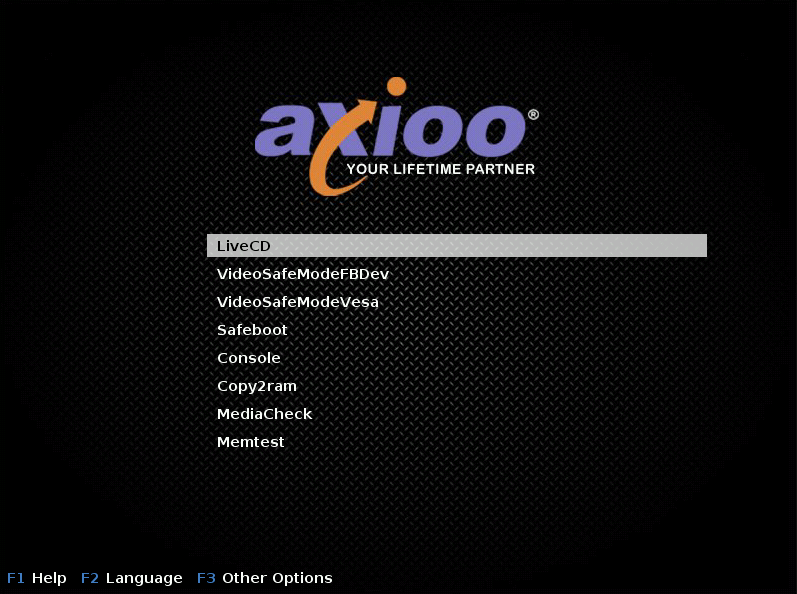
  1. Booting progress :

livecd-grub

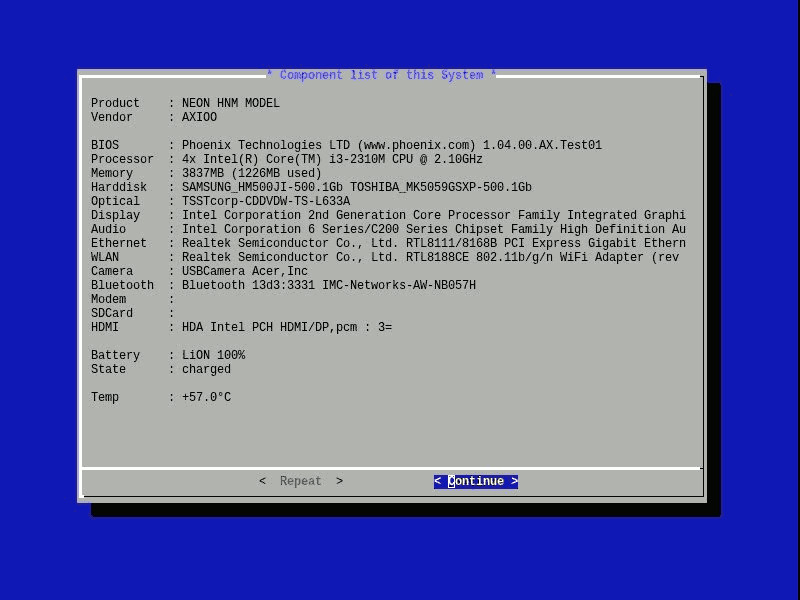
  1. Device Info :

component-list

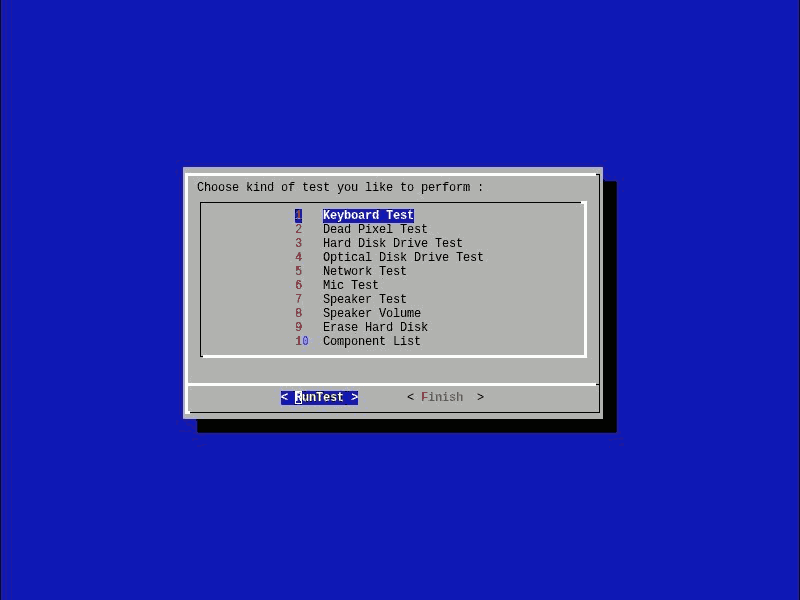
  1. Test Main Menu :

mainmenu

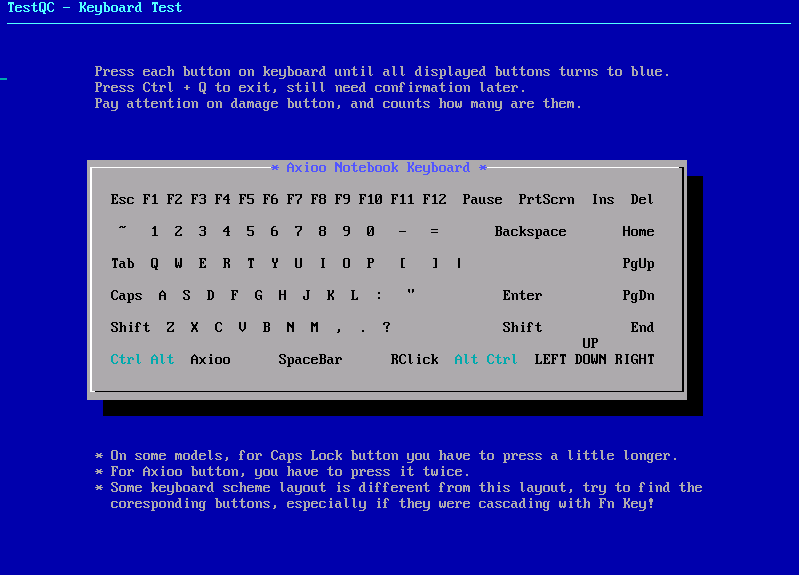
  1. Keyboard test :

keyboard

  1. Dead Pixel test :

deadpixel

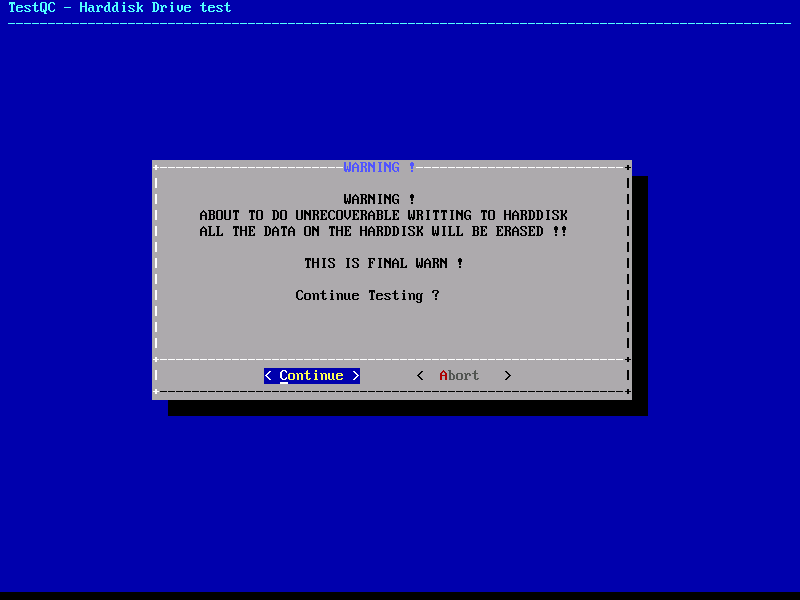
  1. Harddisk test :

harddisk

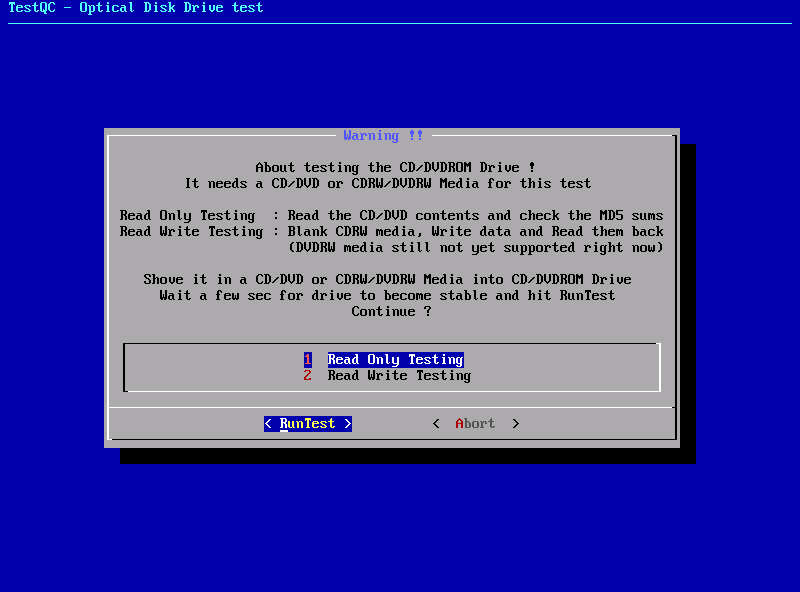
  1. Optical drive test :

oddtest

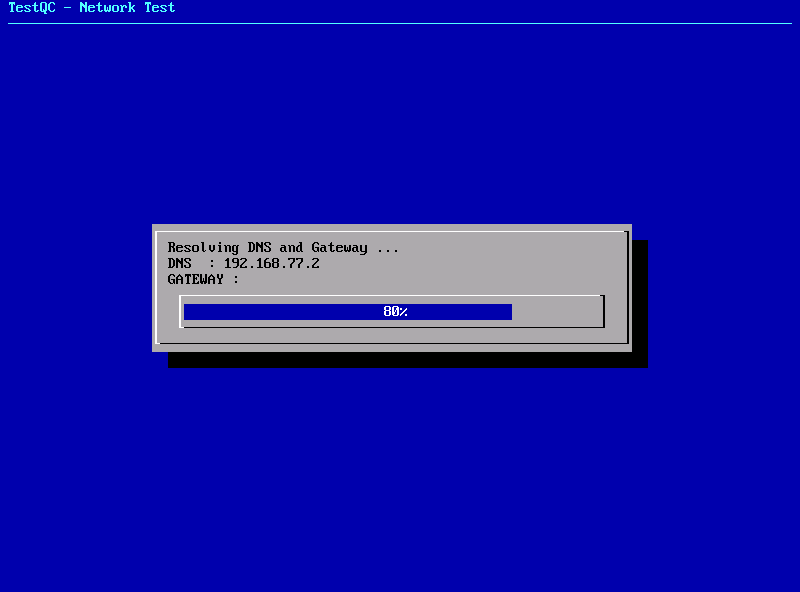
  1. Network test :

network

  1. Microphone test :

microphone

  1. Speaker test :

There are no screenshots on the Speaker Test because this test directly plays audio songs and the screen stays on the main menu.

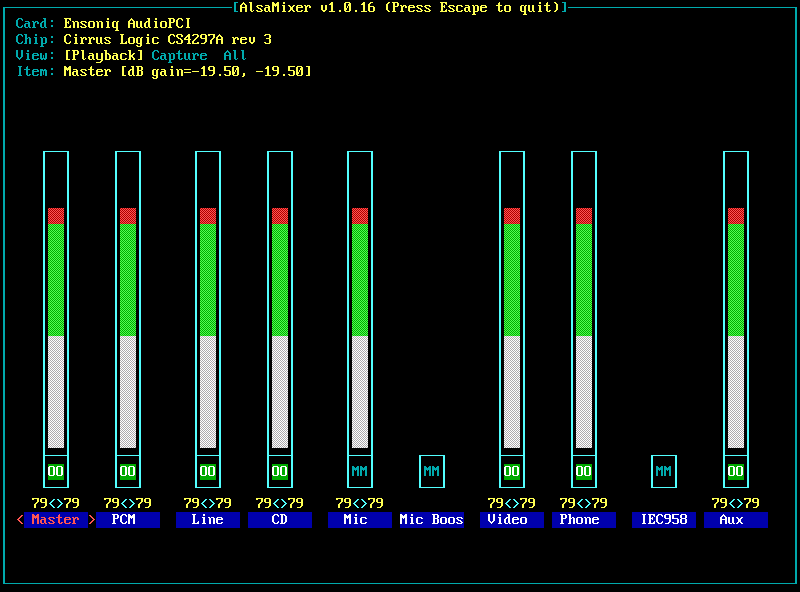
  1. Speaker volume :

volume

The standard basic test is a test that must be carried out on every device being tested such as keyboard, deadpixel, speakers, video, and so on. However, there are some advanced test tools that are very useful for testing certain devices such as benchmarks, battery eater test, VGA port outputs, etc.
All of this collection of advanced test functions are grouped into the Advanced Utility. Test results from the Advanced Utility group are not saved in the database server.

Advanced Utility

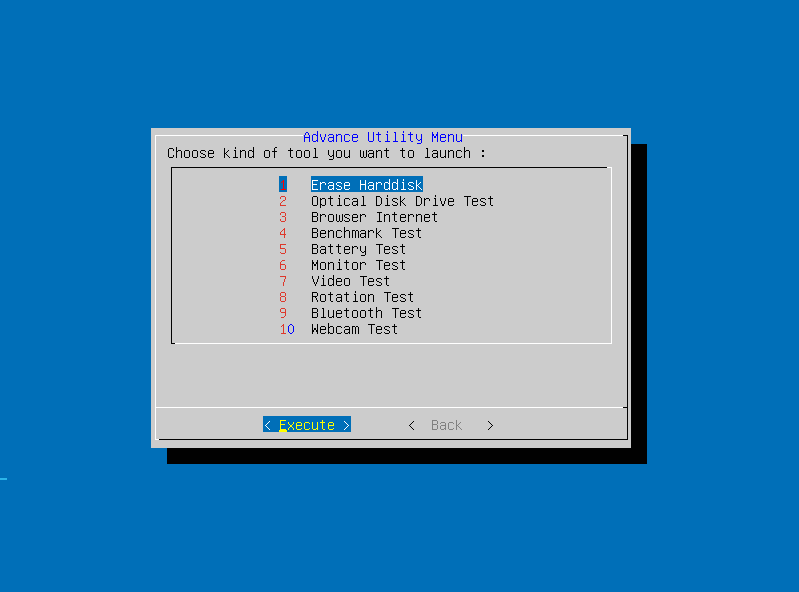
  1. Advanced utility menu :

advance-utility

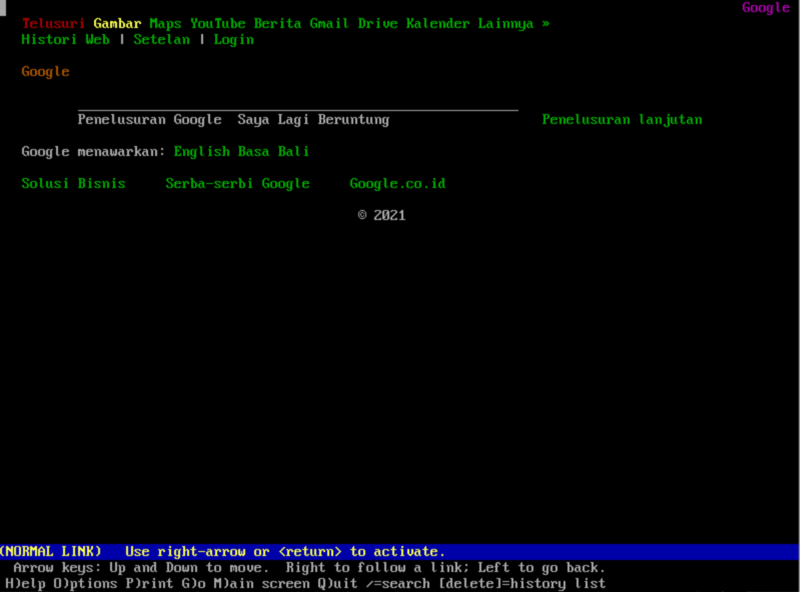
  1. Browser Internet :

browser

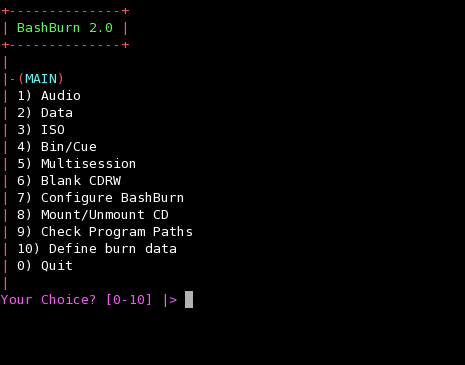
  1. CD/DVD Burner :

burner

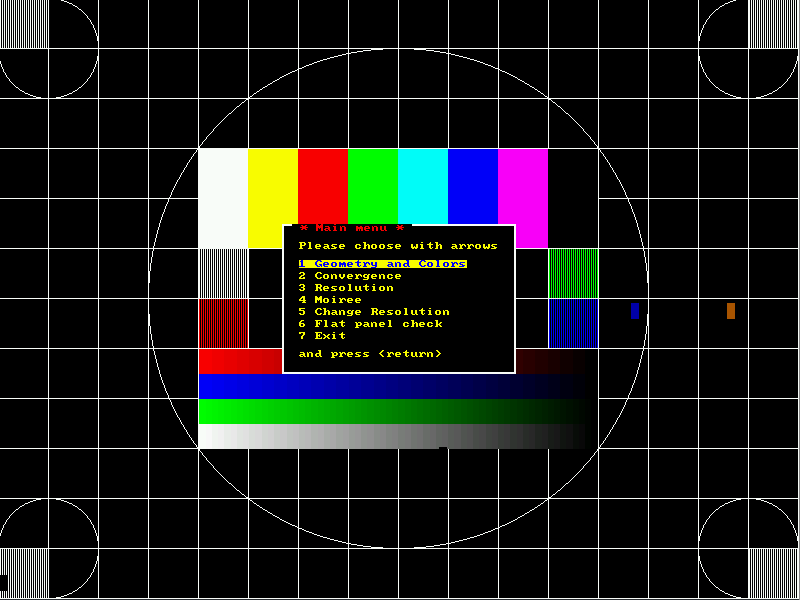
  1. Monitor test :

monitest

  1. Video test :

video

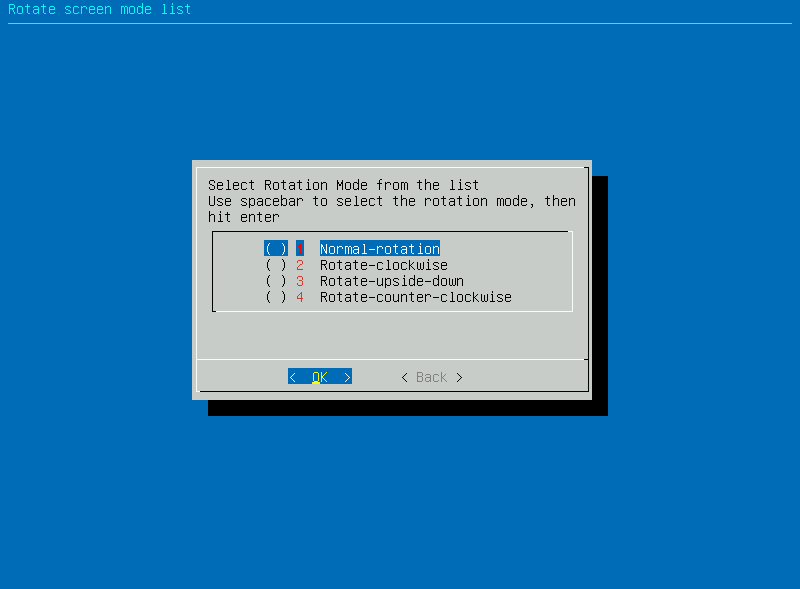
  1. Rotation test :

rotation

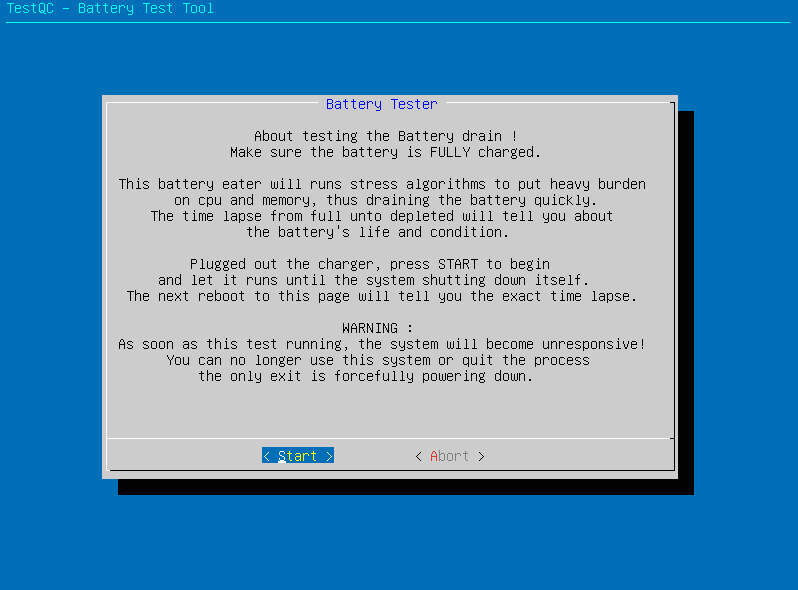
  1. Battery test :

battery

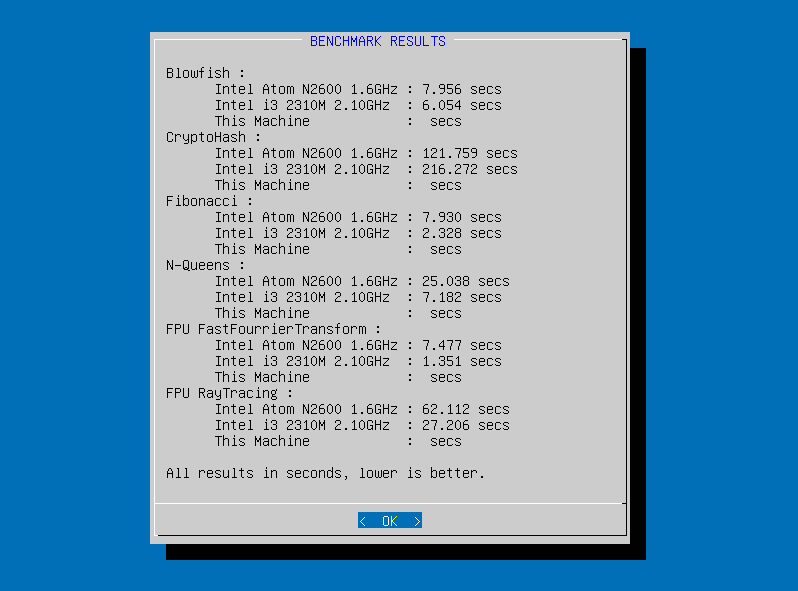
  1. Benchmark :

benchmark

  1. Ascii Art :

asciiart

Here is the xml format :

<?xml version="1.0" standalone="yes" ?>
<!-- Generated by axioo testqc-r16-build2611 -->
<!-- Base system : KLIXs 2008 -->
<!-- Tue Dec  2 18:40:31 WIT 2008 -->
<root>
<serialnumber>1234567890</serialnumber>
<componentlist>
<barebone>JFW01</barebone>
<product>Axioo TVW-Series</product>
<vendor>-O</vendor>
<bios>COMPAL 1.02 (11/12/2007)</bios>
<cpu>Intel(R) Core(TM)2 Duo CPU     T5550  @ 1.83GHz</cpu>
<cpu2>Intel(R) Core(TM)2 Duo CPU     T5550  @ 1.83GHz</cpu2>
<memory>1GiB Max.Mem = </memory>
<harddisk>Seagate ST9160821AS 149GiB (160GB)</harddisk>
<optical>SlimtypeDVD A DS8A1P</optical>
<display>771/671 PCIE VGA Display Adapter</display>
<audio>Azalia Audio</audio>
<ethernet>Silicon Integrated Systems [SiS] 191 Gigabit Adapter eth0</ethernet>
<wlan>Atheros Communications Inc. AR242x 802.11abg Wireless PCI Express Adapter Mini PCI </wlan>
<modem>Motorola Si3054</modem>
<sdcard>R5C822 SD/SDIO/MMC/MS/MSPro Host Adapter</sdcard>
<firewire>IEEE-1394 R5C832 IEEE 1394 Controller</firewire>
<bluetooth> </bluetooth>
<camera>USB 2.0 Camera Chicony Electronics Co., Ltd.</camera>
<fingerprint> </fingerprint>
<battery>Li-Ion, now 4800 mAh max 4800 mAh</battery>
<acadaptor>on-line</acadaptor>
</componentlist>
<testqcresult>
<oddtest>
<oddread>NOT_TESTED</oddread>
<oddwrite>NOT_TESTED</oddwrite>
</oddtest>
<hddtest>
<hddread>NOT_TESTED</hddread>
<hddwrite>NOT_TESTED</hddwrite>
</hddtest>
<keyboardtest>Bad</keyboardtest>
<deadpixeltest>0</deadpixeltest>
<networktest>NOT_TESTED</networktest>
</testqcresult>
</root>

This old version TestQC LiveUSB (version 1 to 29) using a staticIP configuration so it can communicate with the server during data logging. Each LiveUSB has a unique IP address that can be configure manually using standard text file netconfig place on the root of the LiveUSB flashdisk.
At that time, the availability of modern network devices was still very few, let alone mikrotik, even a DHCP server sounded strange to the network administrator. So, in general, at that time, testqc was run isolated, on a small network scale using a static ip between the testqc server and the device being tested.

Here is some example what inside the netconfig file that can be customized :

#    Define network ip for client and server here
#
# This config file will determine the ip for server testqc and
# each client usb flash testqc.
# Please make sure you don't have 2 client ip number online at
# the same time.
# The folder name is the share folder name on server that will
# be use to store the logged data
#
# $Id: netconfig,v 1.112 2008/12/06 15:03:07 jfdesign Exp $
#
# Syntax :
#    client=xxx.xxx.xxx.xxx
#    server=xxx.xxx.xxx.xxx
#    folder=xxxxx
#
client=10.10.13.22
server=10.10.13.7
folder=testqc
gateway=10.10.13.1

Set the client ip address to a unique ip address inside the network subnet, and please make sure it doesn’t collission with other testqc client.

Set the server ip address with the server ip address (Ask your network administrator for details)

Set the folder name exactly the same as the public share folder on server, and be careful that this is case sensitive format.

Set the gateway ip address with the gateway ip address (Ask the network administrator for details). This gateway setting is important, 90% of the problem that the testqc cannot do a network test or data logging caused by this.

Outdated network configuration
This model’s static ip configuration setting is deprecated and have not been use since version 30. The new testqc version uses the common dhcp IP that normally used on the modern network topology.