
Version 50-54
This version of TestQC already adopted gui mode interface with python Tk/Tcl or infamous tkinter. The tkinter package is a thin object-oriented layer on top of Tcl/Tk. It’s robust and fast because it also adopts multi threading, however with a slightly bigger footprint than the cli version.
- Booting progress :
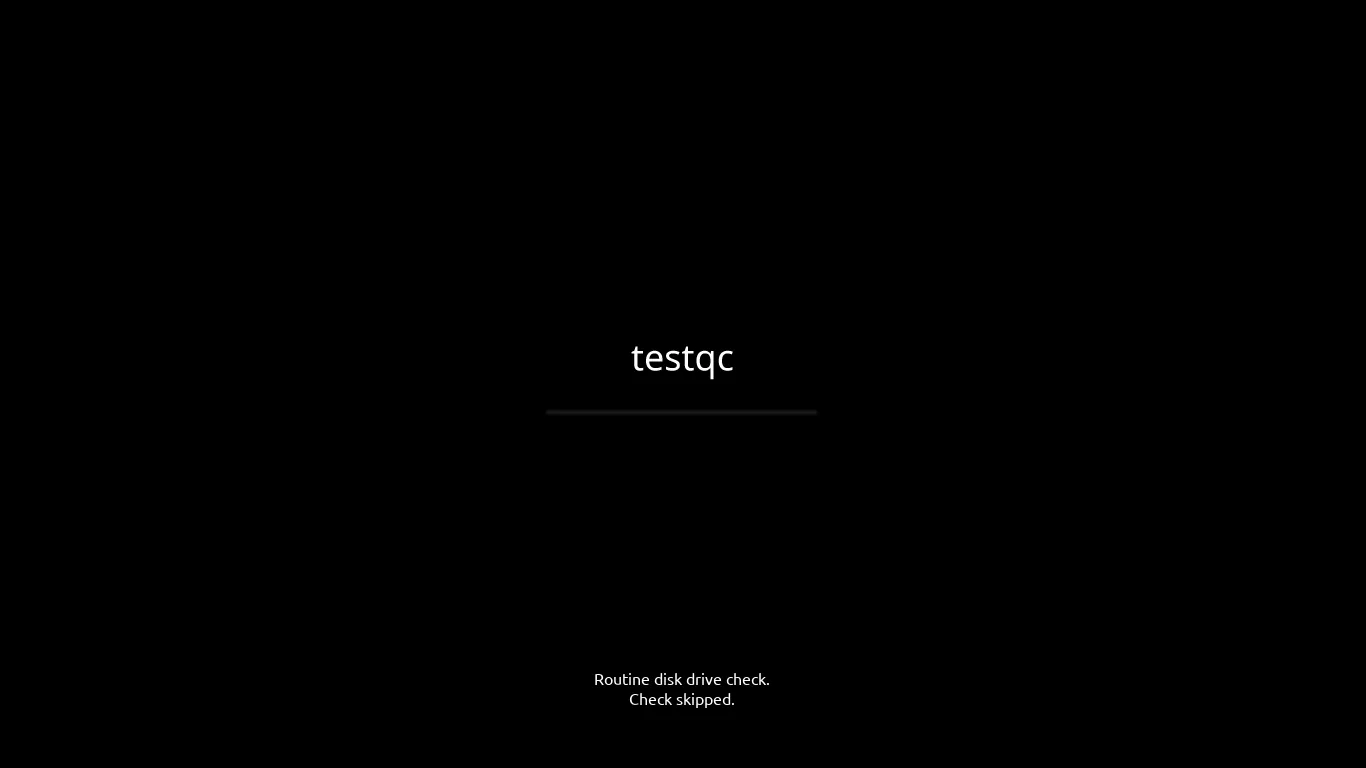
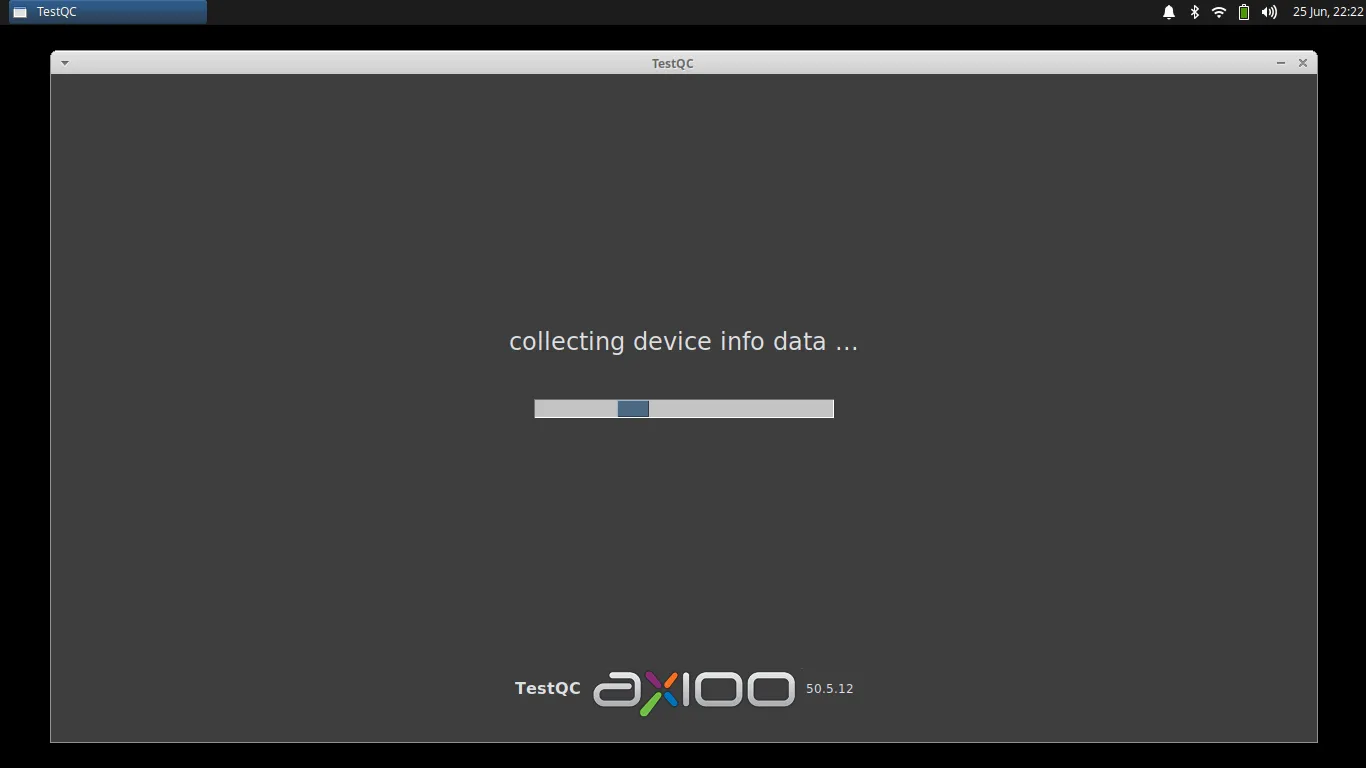
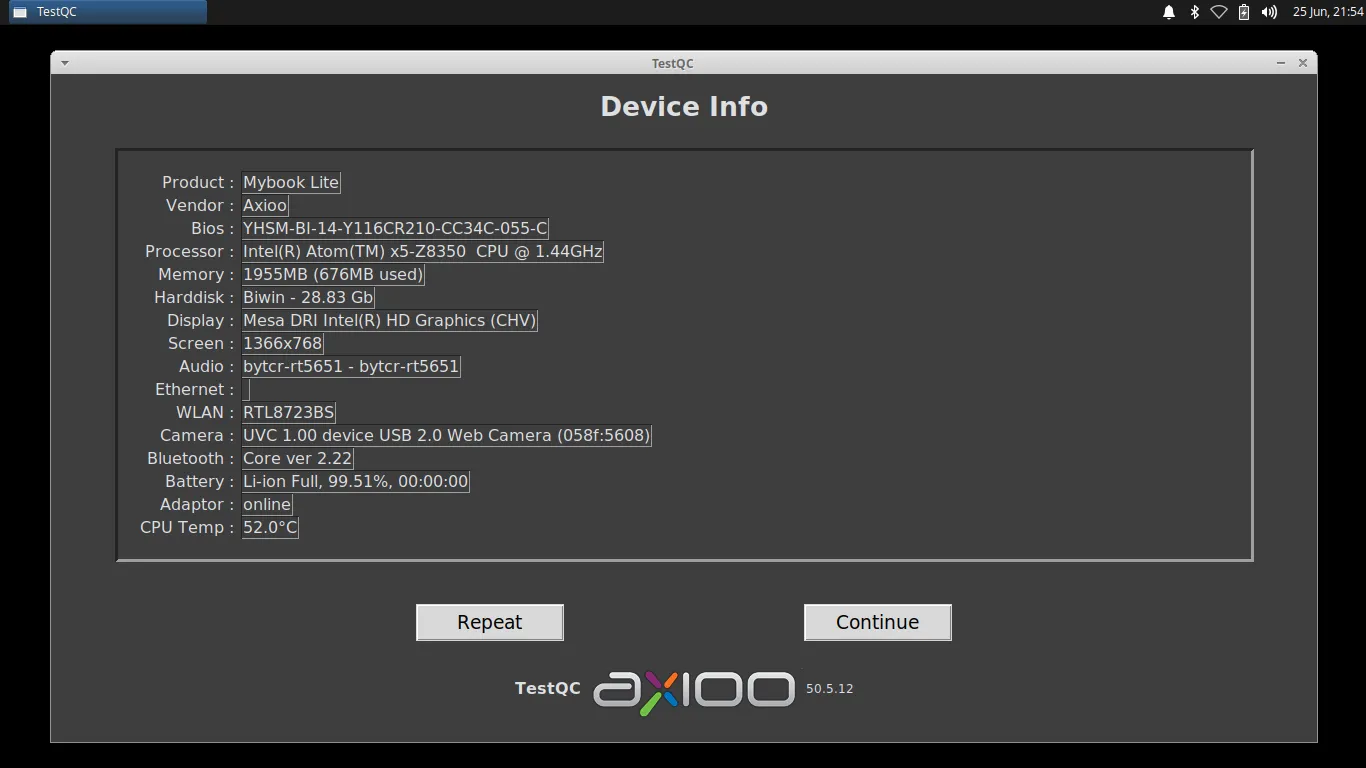
- Device Info :
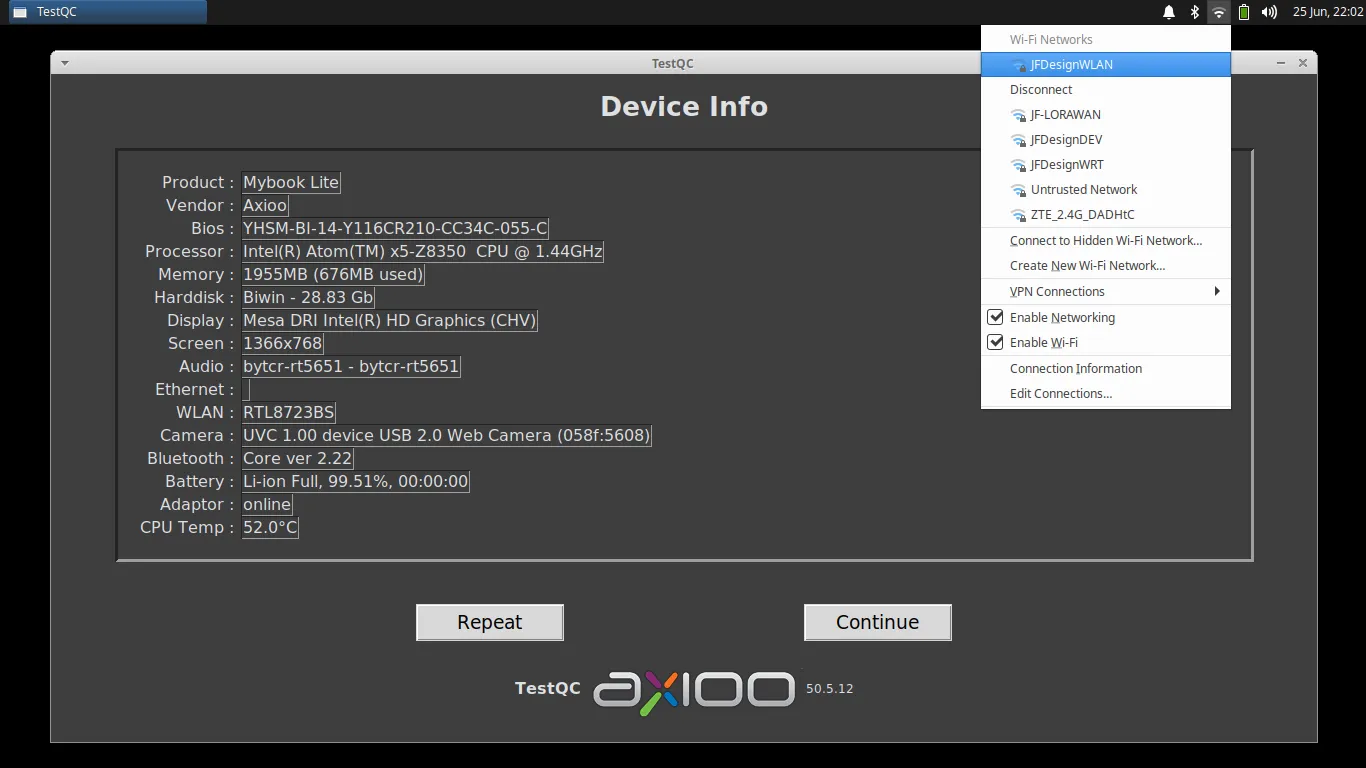
- Connecting to network :
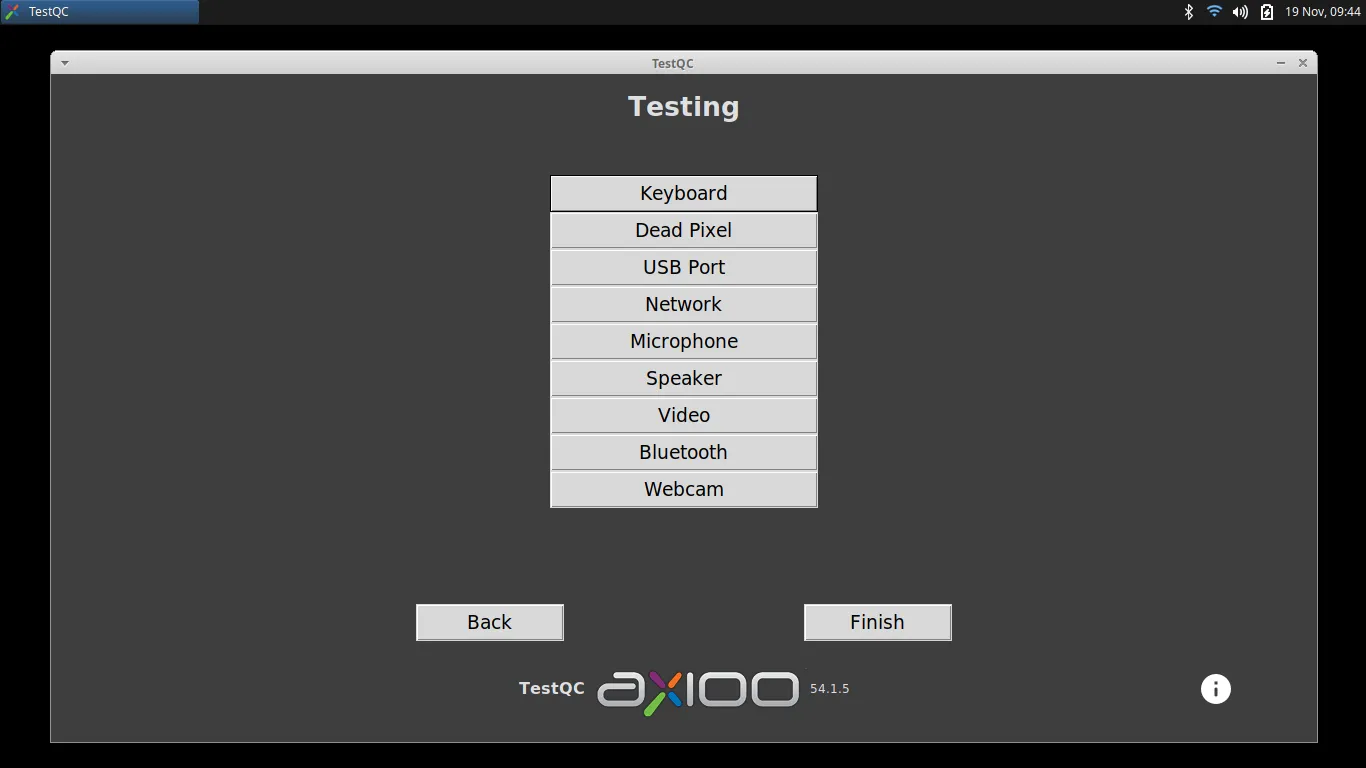
- Testing Menu :
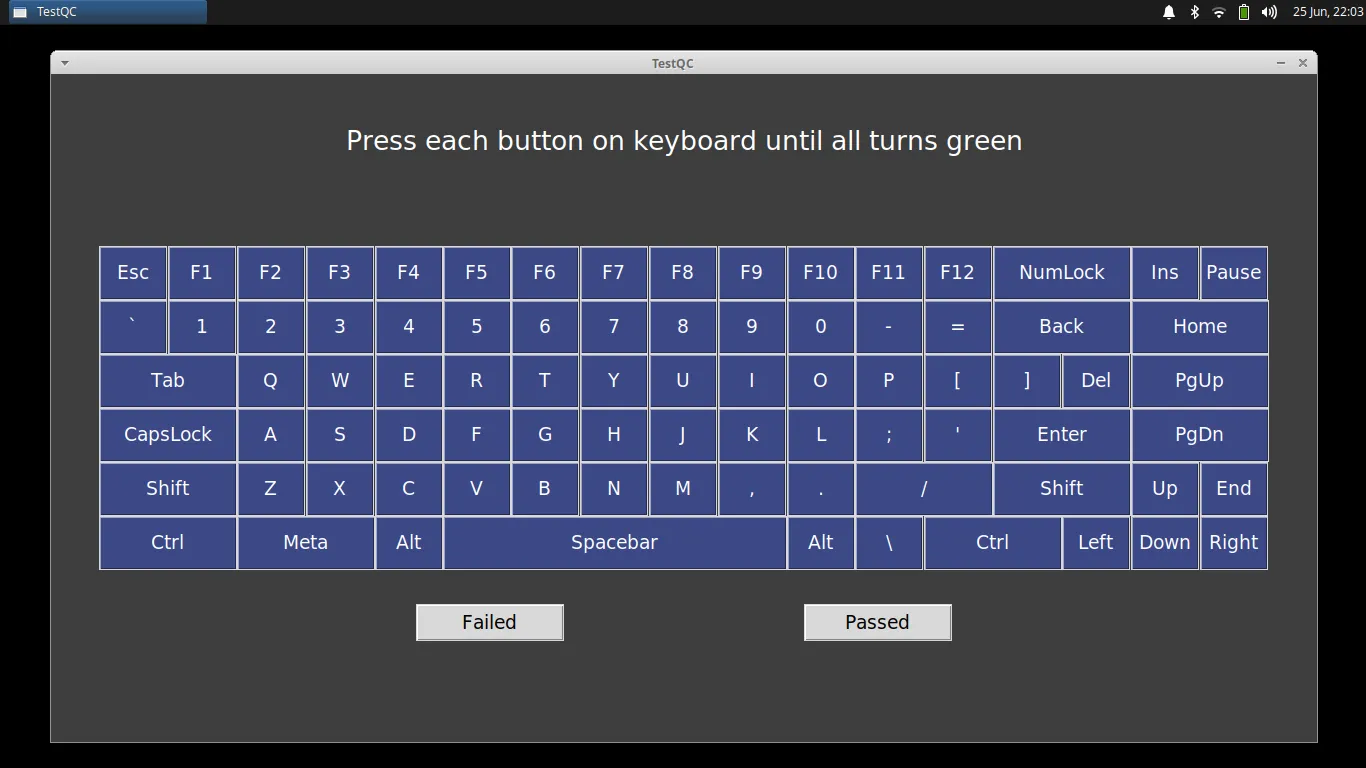
- Keyboard test :
- Dead Pixel test :

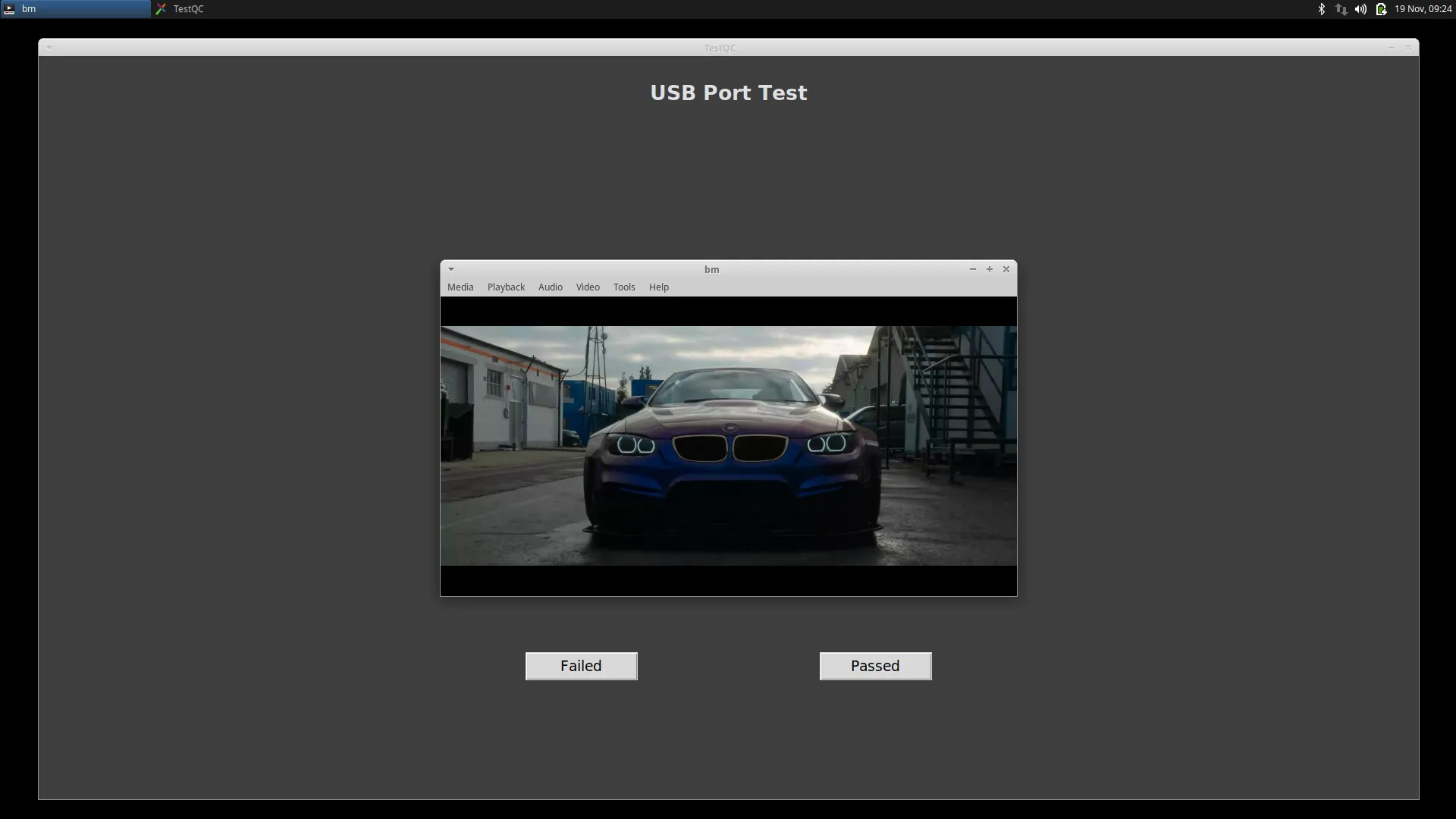
- USB Port test :
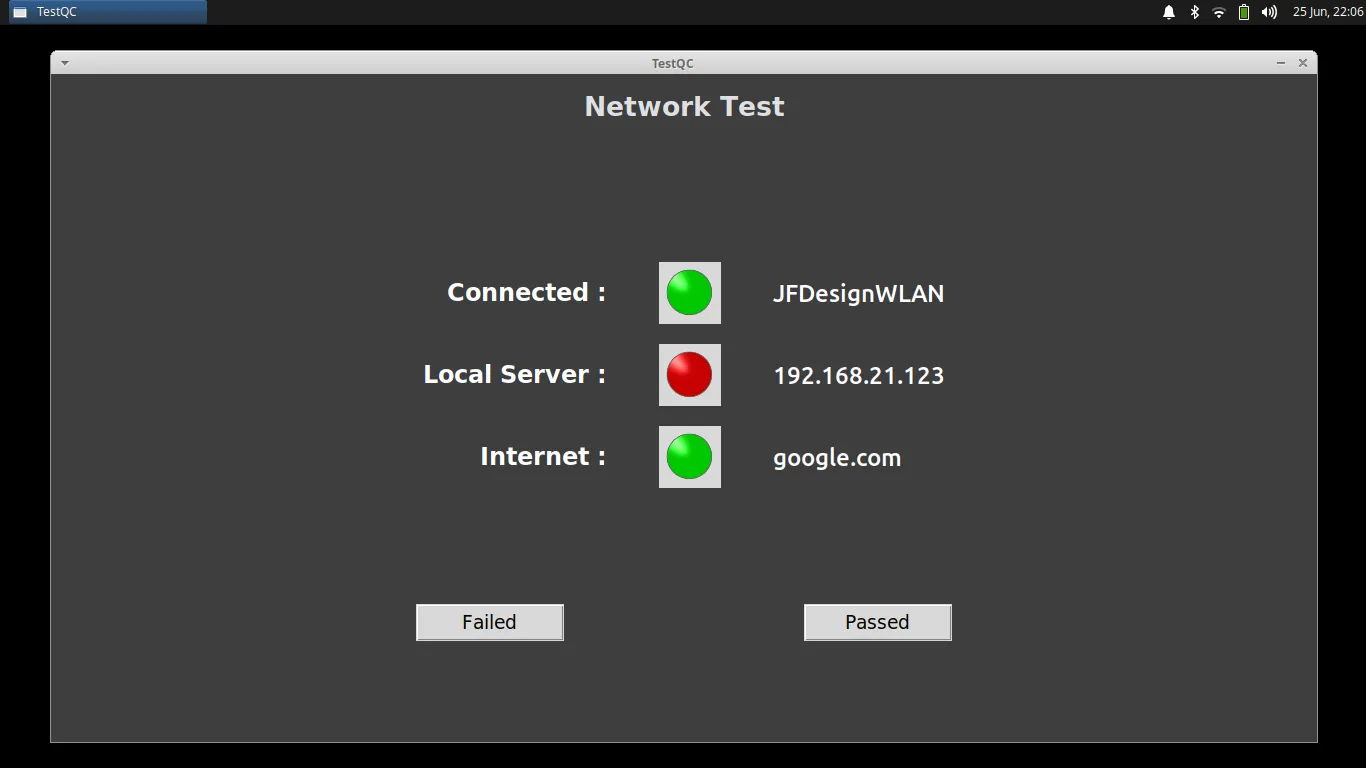
- Network test :
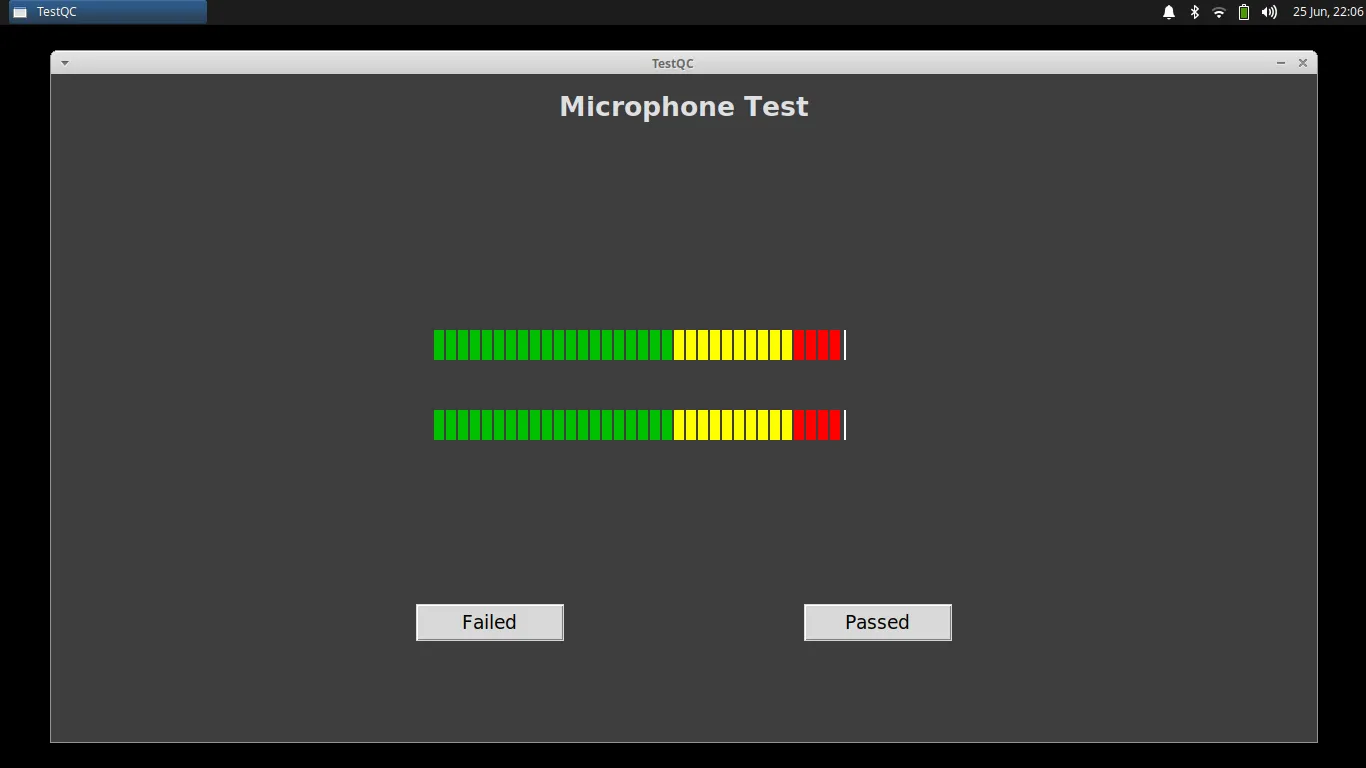
- Microphone test :
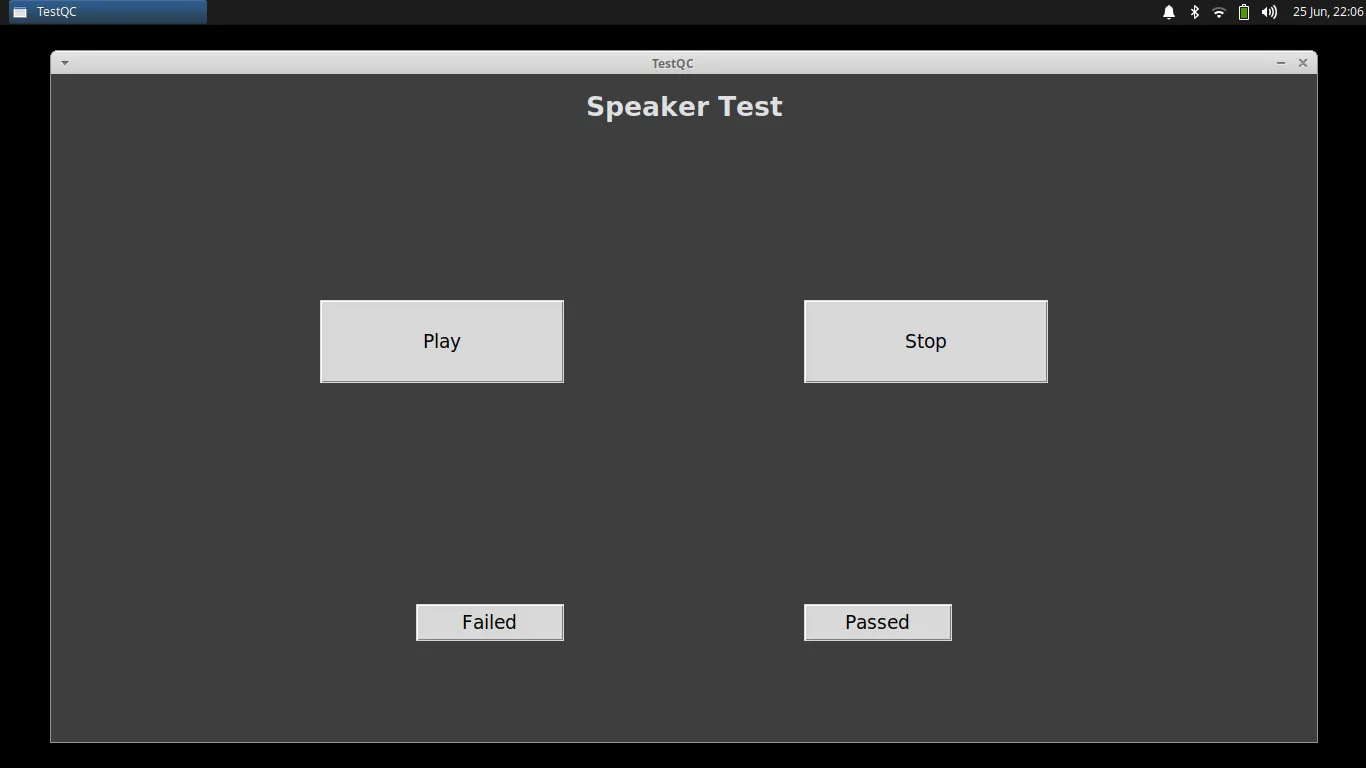
- Speaker test :
- Video test :

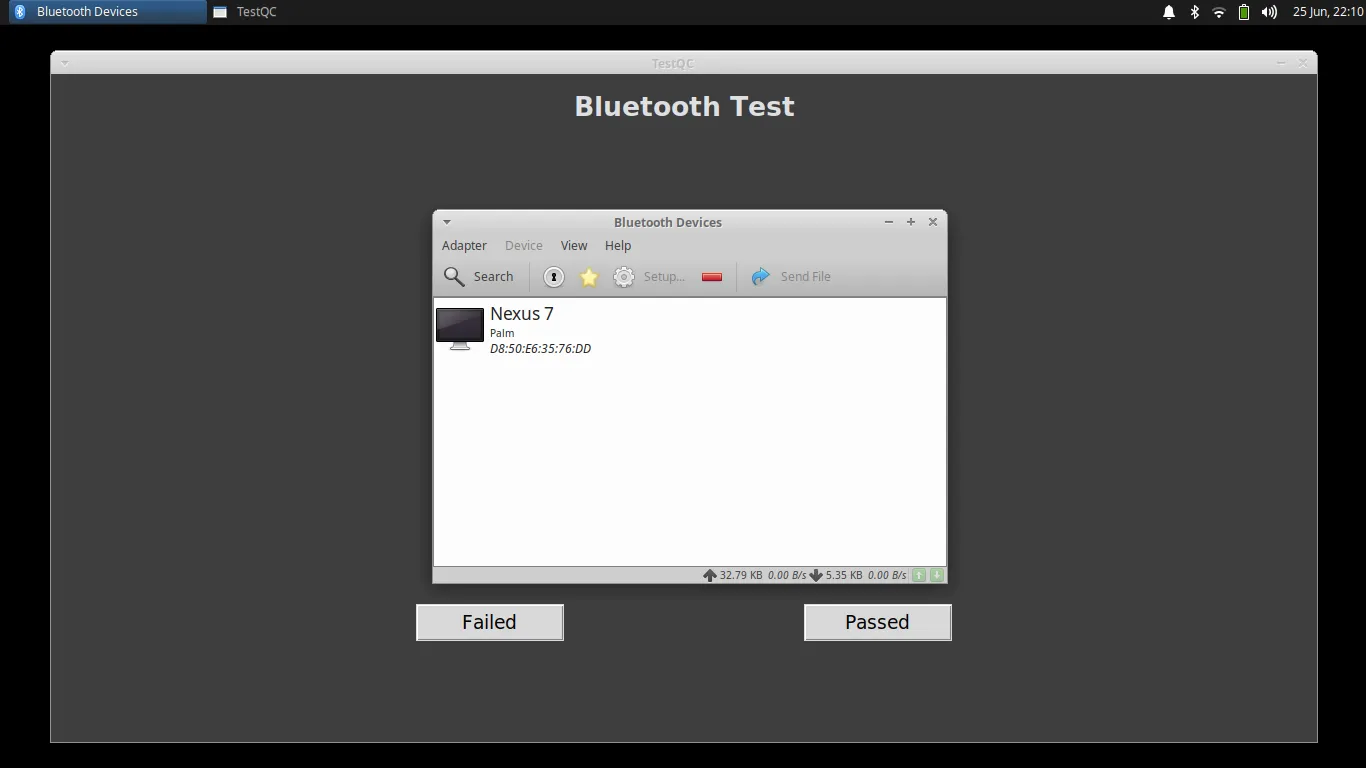
- Bluetooth test :
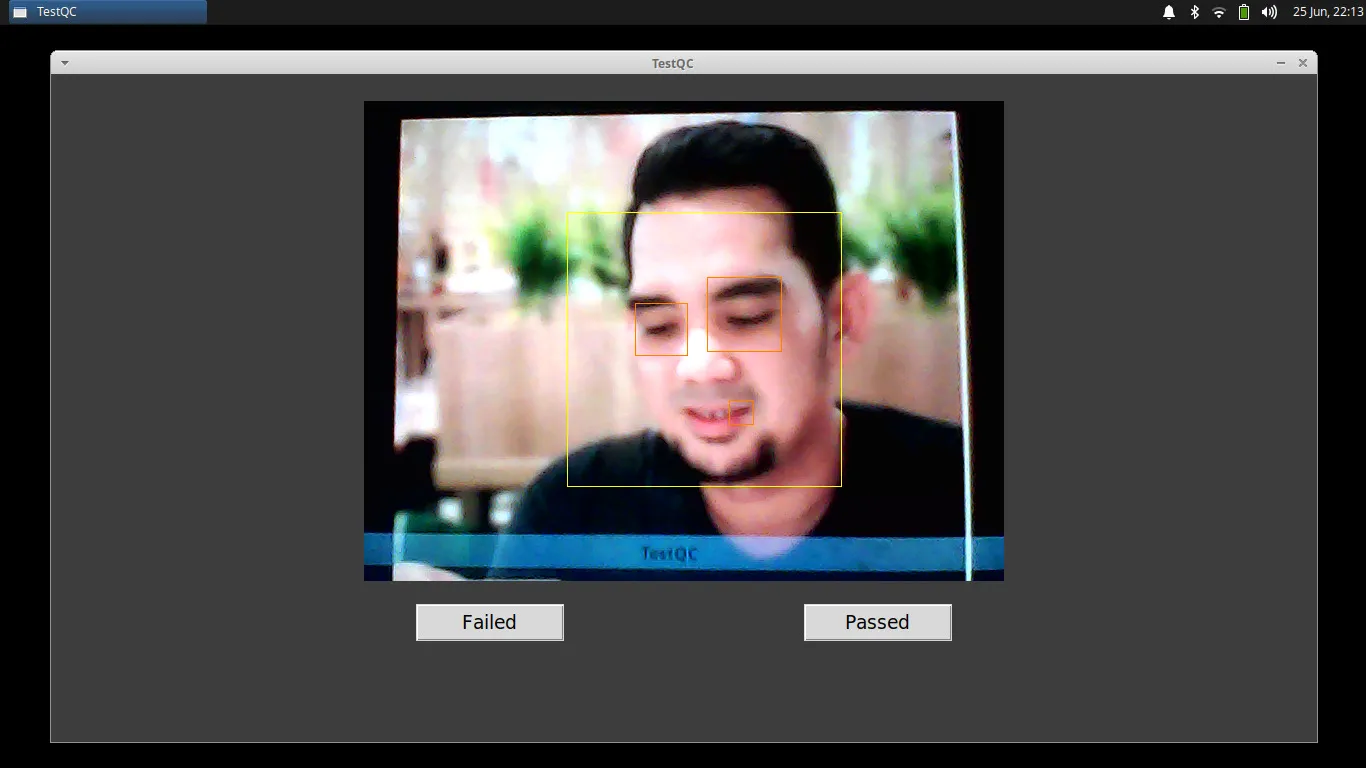
- Webcam test :
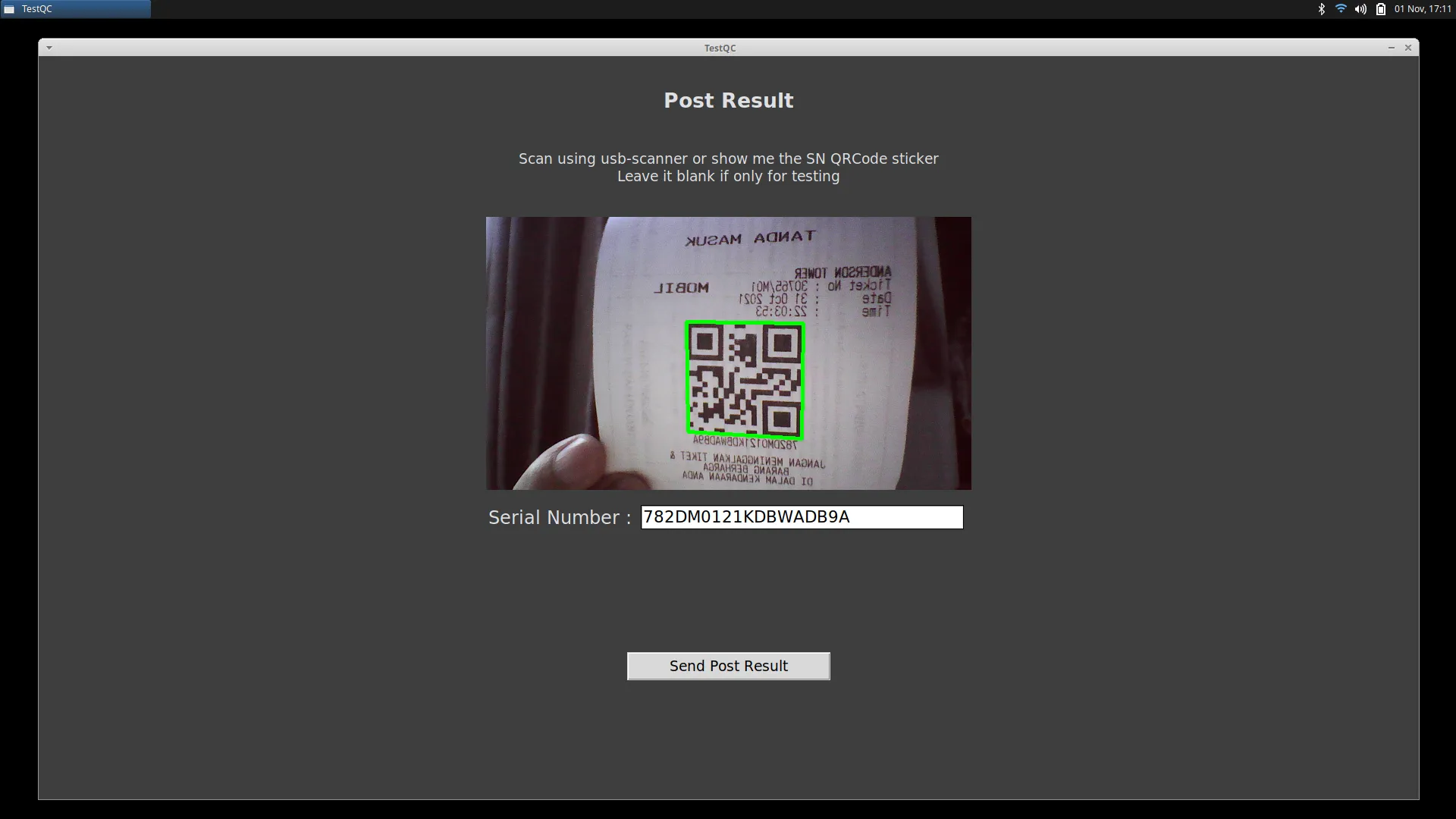
- Posting Report :
- Finish :
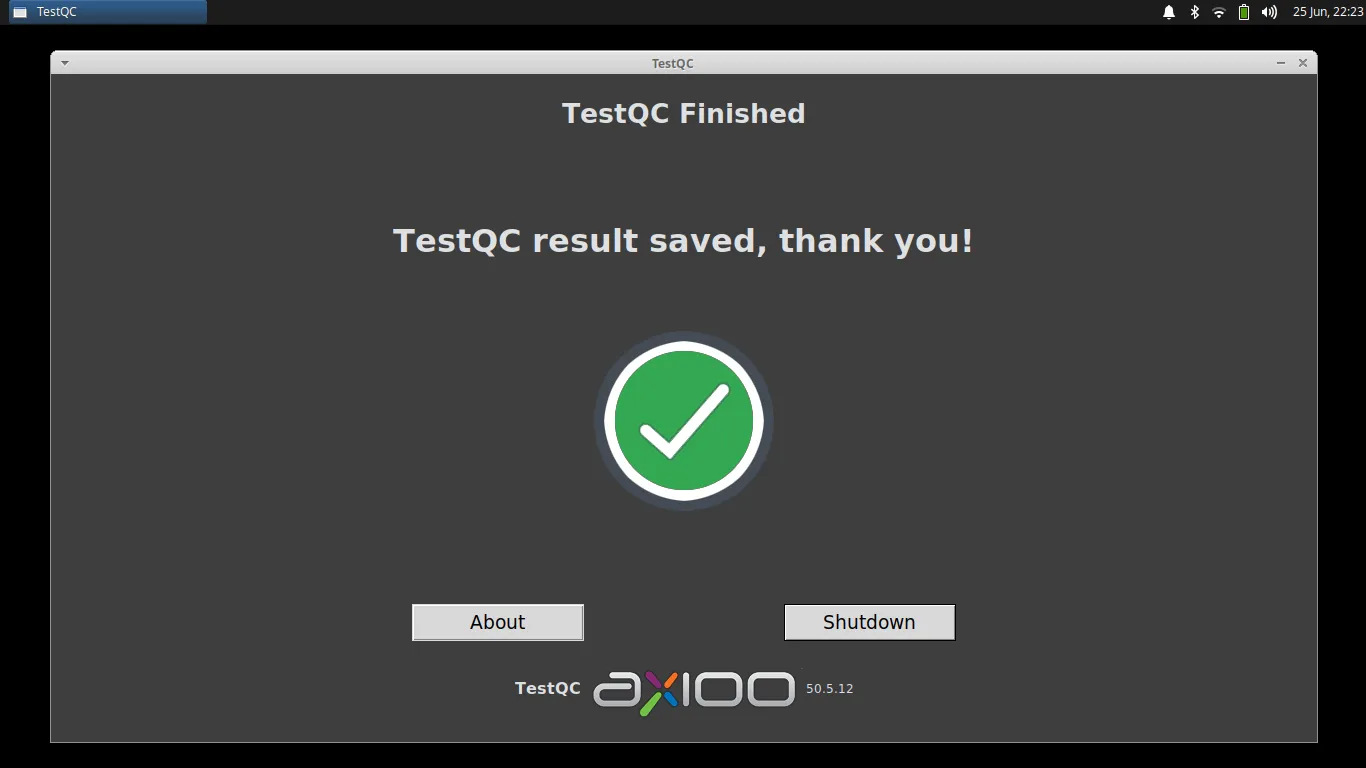
Shutdown the device and move on to the next device.